
Overview
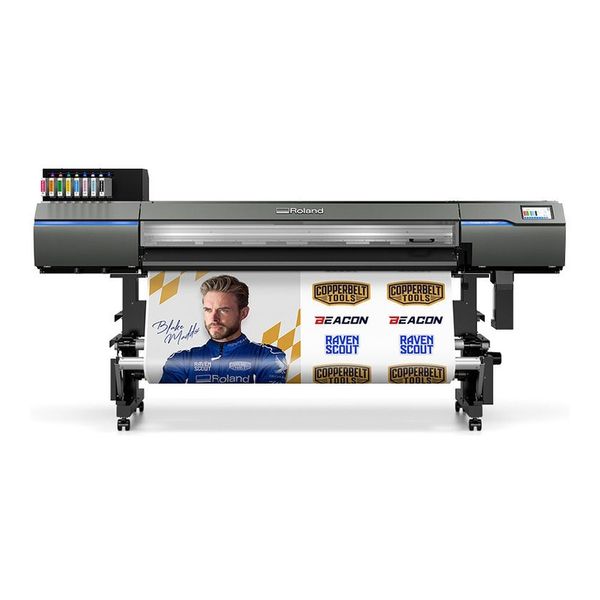
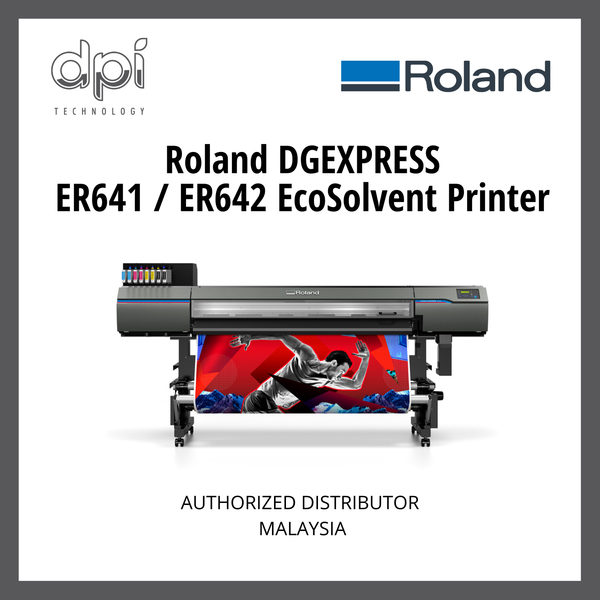
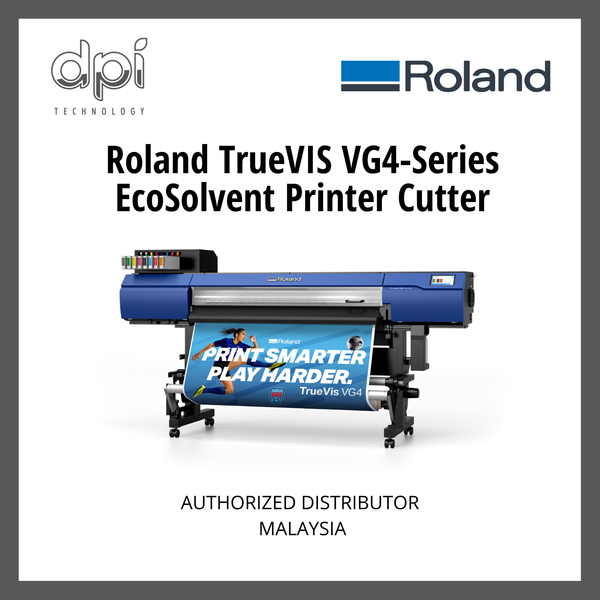
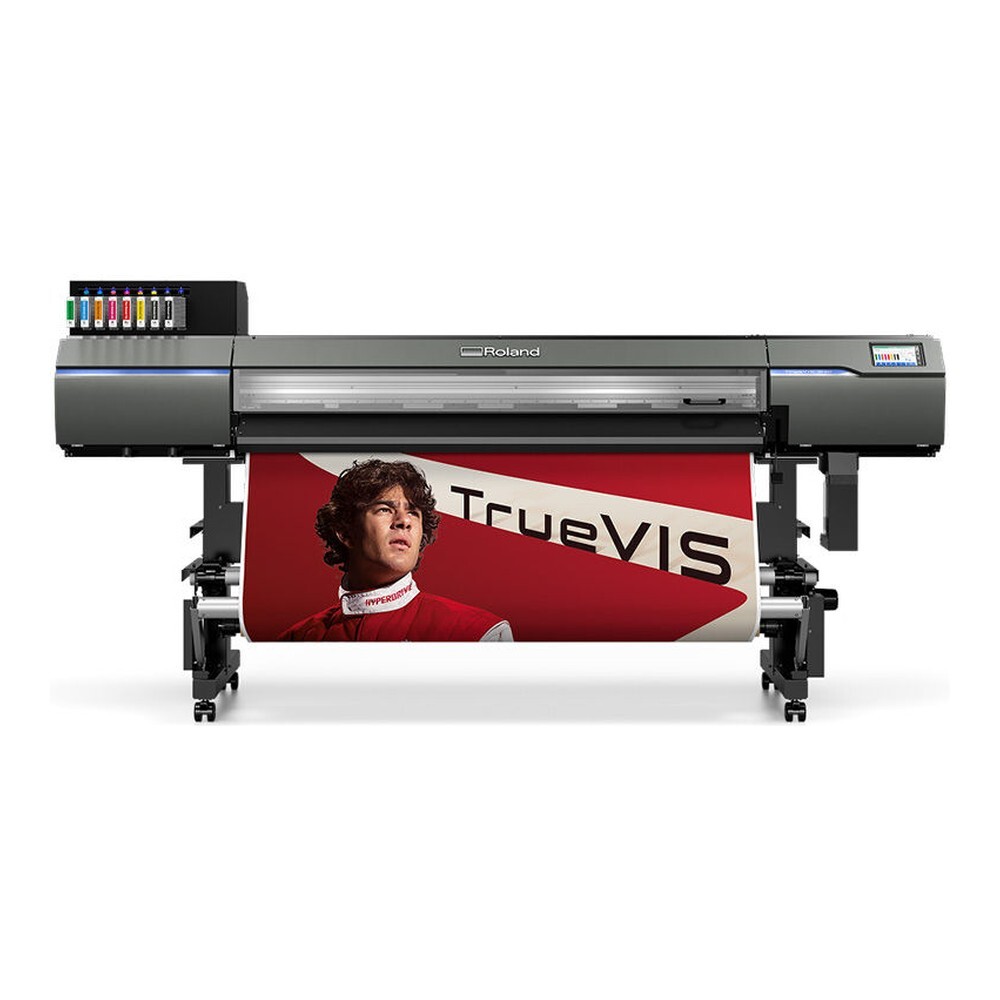
The Roland TrueVIS XP-640 is a 64-inch eco-solvent roll-to-roll printer built for sign and print shops that need high output without giving up image quality. Two staggered print heads, TH eco-solvent inks in a 4- or 8-colour set-up and a standard automatic take-up system make it a strong production machine for banners, vinyl graphics, posters and backlit displays.
Two Staggered Print Heads For High-Speed Output
The XP-640 uses two newly developed print heads in a staggered layout, each with 3,200 nozzles at 600 npi. They fire finer droplets at higher densities, so you get high-resolution output in fewer passes. Roland quotes up to 76.1 m²/h in 4-colour Billboard mode on banner, and 22.5 m²/h on vinyl in Standard mode.
TH Inks In 4 Or 8 Colours
You can choose between CMYK ×2 for maximum speed, or an 8-colour CMYK set with Light Black, Orange, Green and Red for a wider colour gamut. The True Rich Color 3 preset helps you reproduce realistic images and accurate colour. The ink comes in 500 ml paper-based cartridges.
Automatic Ink Switching
In the 4-colour set-up each colour has two cartridges. When one runs empty, the printer switches automatically to the standby cartridge, and clear LED lamps show which one is in use, so long jobs can keep running.
Automatic Take-Up And Perforated Sheet Cut
The newly developed take-up system comes as standard and makes media loading quick and easy. A perforated sheet cut function adds perforations between prints, which helps when you send a large run of printed items to the take-up.
Automatic Media Gap Adjustment
TrueVIS optical registration technology measures the media gap, then adjusts and calibrates it for you. This saves set-up time and keeps output consistent.
7-Inch Touchscreen And Included Software
A 7-inch LCD touchscreen gives fast, intuitive control. The printer ships with VersaWorks 6 RIP software for managing print output, plus access to the Roland DG Connect app, which shows you detailed information about your printers and helps keep them running at their best.
Simple User Maintenance
You can replace the wiper unit, wiper cleaner, flushing sponge and print head cap yourself. If a print head has a problem, the nozzle mask function lets you keep printing on one head (4-colour) or on half of the nozzles (8-colour) until it is serviced. Roland states that the XP-640 has the lowest running costs in its category, thanks to reduced ink and operating costs.
Applications
- Banners and billboards high-speed output on banner media, including a dedicated Billboard print mode
- Vinyl signage and graphics detailed, colourful prints on self-adhesive vinyl
- Posters and paper prints High Quality, Standard and High Speed modes for paper media
- Backlit displays dedicated print modes for backlit media
- Heat transfer sheets print modes for heat transfer sheet media
Specifications
| Printing method | Piezo ink-jet method | |
| Print heads | 2, staggered; 600 npi (300 npi × 2 lines), 3,200 nozzles, 8 nozzle lines, 1.33 in. printing range | |
| Media | Width | 259 to 1,625 mm (10.2 to 64 in.) |
| Thickness | Max. 1.0 mm (39.3 mil) with liner | |
| Roll outer diameter | Max. 250 mm (9.8 in.) | |
| Roll weight | Max. 45 kg (99 lb.) | |
| Core diameter | 76.2 mm (3 in.) or 50.8 mm (2 in.) | |
| Printing width | Max. 1,615 mm (63.5 in.) | |
| Ink | Type | Eco-Solvent Ink (TH) 500 ml cartridge |
| Colours | Eight colours (cyan, magenta, yellow, black, light black, green, orange and red) or four colours (cyan, magenta, yellow and black) | |
| Printing resolution | Max. 1,200 × 1,800 dpi | |
| Print speed | 4 colours, max. | 76.1 m²/h (Generic Banner, Billboard mode) |
| 4 colours, vinyl Standard | 22.5 m²/h (900 × 1,200 dpi, 8 pass) | |
| 8 colours, max. | 38.1 m²/h (Generic Banner, Billboard mode) | |
| 8 colours, vinyl Standard | 11.3 m²/h (900 × 1,200 dpi, 8 pass) | |
| Media heating system | Print heater set temperature | 30 to 45 °C (86 to 113 °F) |
| Dryer set temperature | 30 to 55 °C (86 to 131 °F) | |
| Connectivity | Ethernet (100BASE-TX/1000BASE-T, automatic switching) | |
| Power-saving function | Automatic sleep feature | |
| Power requirements | 100-120 / 220-240 Va.c. 50 / 60 Hz 8.9 / 4.5 A | |
| Power consumption | During operation | Approx. 1,180 W |
| Sleep mode | Approx. 50 W | |
| Acoustic noise level | During operation | 66 dB (A) or less |
| During standby | 53 dB (A) or less | |
| Dimensions (W × D × H) | 2,886 mm × 748 mm × 1,415 mm (113.7 in. × 29.5 in. × 55.8 in.) | |
| Weight | 189 kg (417 lb.) | |
| Environment | During operation | Temperature: 20 to 32 °C (68 to 89.6 °F), humidity: 35 to 80 % RH (no condensation) |
| Not operating | Temperature: 5 to 40 °C (41 to 104 °F), humidity: 20 to 80 % RH (no condensation) | |
| Software | VersaWorks (Ver. 6.22.0 or later), Roland DG Connect (Ver. 3.8.0 or later) | |
| Option | Dryer Unit DU3-64 | |
| Included items | Dedicated stand, power cord, media take-up unit, media holders, replacement blade for separating knife, cleaning liquid bottle for maintenance, drain bottle, User’s Manual, software (VersaWorks, Roland DG Connect), etc. |
FAQ
What is the difference between the 4-colour and 8-colour set-ups?
The 4-colour set-up (CMYK ×2) is built for speed, reaching up to 76.1 m²/h on banner, and switches automatically between two cartridges per colour. The 8-colour set-up adds Light Black, Orange, Green and Red for a wider colour gamut, with a maximum of 38.1 m²/h.
Can the XP-640 contour cut?
No. The XP-640 is a print-only machine. It has a separating knife for cutting off finished prints and a perforated sheet cut function. If you need print-and-cut, look at the TrueVIS XG-640 printer/cutter.
What media sizes does it accept?
Rolls from 259 to 1,625 mm (10.2 to 64 in.) wide, up to 1.0 mm thick with liner, up to 250 mm outer diameter and up to 45 kg, on 3-inch or 2-inch cores. The maximum printing width is 1,615 mm.
What working environment does it need?
During operation the printer needs a room temperature of 20 to 32 °C and 35 to 80 % RH humidity with no condensation, so an air-conditioned print room is recommended. It runs on 100-120 V or 220-240 V and uses about 1,180 W while printing.
What routine maintenance is required?
Users can replace the wiper unit, wiper cleaner, flushing sponge and print head cap themselves, typically about every six months. The printer shows a maintenance reminder seven days after the last manual cleaning, and it will not print after 14 days until manual cleaning is done.
Manufacturer information: Roland TrueVIS XP-640 (Roland DG)