Say YES to: Backlit applications!
with HP Latex technology
Brief
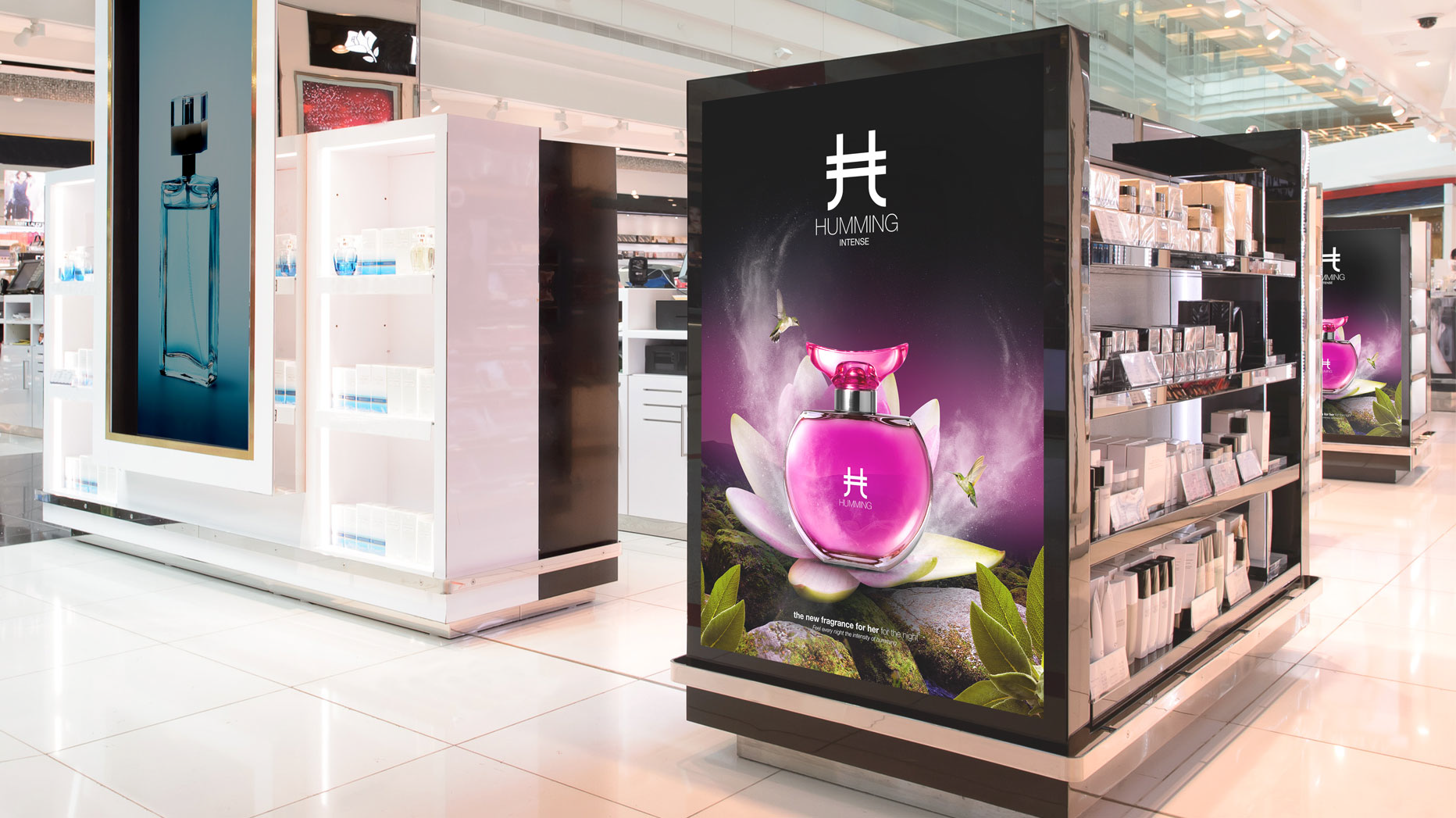
Backlit applications are graphics images printed on transparent materials that are illuminated from behind by powerful banks of lights. The light passes through the printed image for dazzling color and clarity. Print materials can be PVC, plastic films, textiles, and even paper. The quality of the framed lightbox system is very important for achieving the desired effect. High resolution print images and multi-pass printing modes are required for these high-value, high-margin applications. From bus shelters to premium retail locations, backlit applications are an important advertising strategy.
Snapshot process
- Identify a high-resolution image suitable for backlight display.
- Determine the most appropriate material for the display location and lighting solution.
- Print the image on a HP Latex Printer using the prescribed media pre-set information for number of passes and curing time.
- Install the print in the lightbox. HP Latex prints are dry and ready to use - no time is spent waiting to the print to dry!
Materials needed
- HP Latex Printer
- Lightbox
- Backlit printing substrate (see certified media)
Media types, certified brands
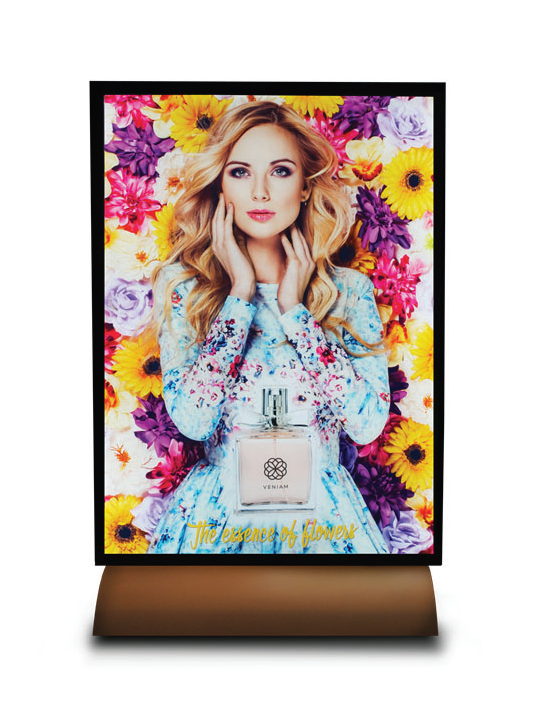
- PET Films: Highest image quality backlit material. Brands: Sihl, CMA, Folex, SEAL, Kernow Coatings, Nekoosa, Nature Media (a.k.a: DPI Grafix B231F Series)
- PVC Banners: Ideal for outdoor display. It can be printed for Day & Night Vision (Double Sided Day & Night, DSDN). Brands: Dickson Coating, Cooley, Verseidag, Starflex, 3M, Heytex, Ultraflex
- Durable Textiles: Most elegant and easiest material to install to work with. Usually installed with silicon strips. Brands: HP, Ultraflex
- Paper: Lowest cost, but paper needs to have good uniformity. Brand: Ilford
Media profiles/information: www.printos.com/ml/#/medialocator
Choosing a lightbox
A primary decision point is choosing the right lightbox for your situation. There are several factors to consider:
- Uniformity of light distribution: Depending on the placement and distribution of lights within the lightbox, the light uniformity will vary - affecting image quality.
- Energy consumption: Lightboxes are on all the time, energy consumption is an important consideration.
- Brightness: Affects color quality and clarity.
- Color temperature: Depending on the image composition, the color temperature affects quality (see illustration).
Color temperature
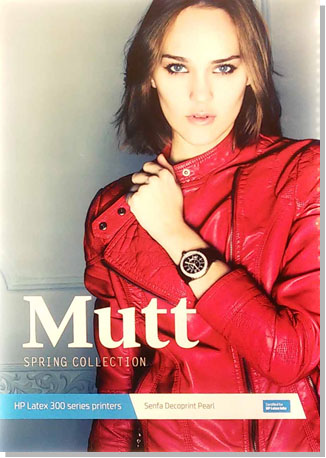 Lower temperatures = "Warm" light
Ideal for skin tones
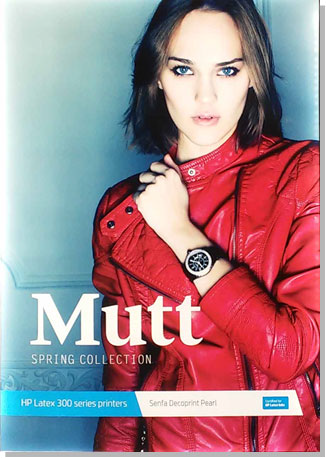
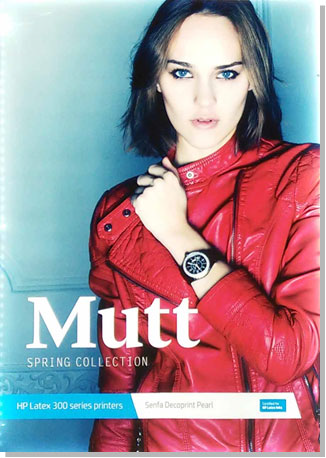 Higher temperatures = "Cold" light
Better for white colors
K = Degrees Kelvin
Additional resources
Find more in the HP Graphic Arts Youtube Channel and the HP Latex Knowledge Center: www.hplatexknowledgecenter.com
- "How to - what is DSDN vs block out printing"
- "How to create ICC profiles for Double Side Day and Night"
- HP Graphics Arts Youtube Channel:
- Different media for backlits: search for "backlit media types"
- Create makeshift profiles: search for "SAV high"